
Build a Custom Case
Edit ⌄
Loading case options...
Choose a case to start.
Starting designChoose a starting design
3D previewOptional. Generate a 3D preview when your layout is ready.
Layout needs adjustment.
Pockets and parts
No pockets selected.
No pockets selected.
Outline audit
Parts
Parts
Heads
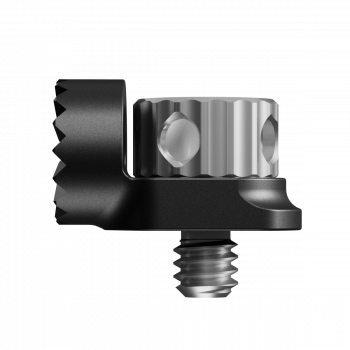
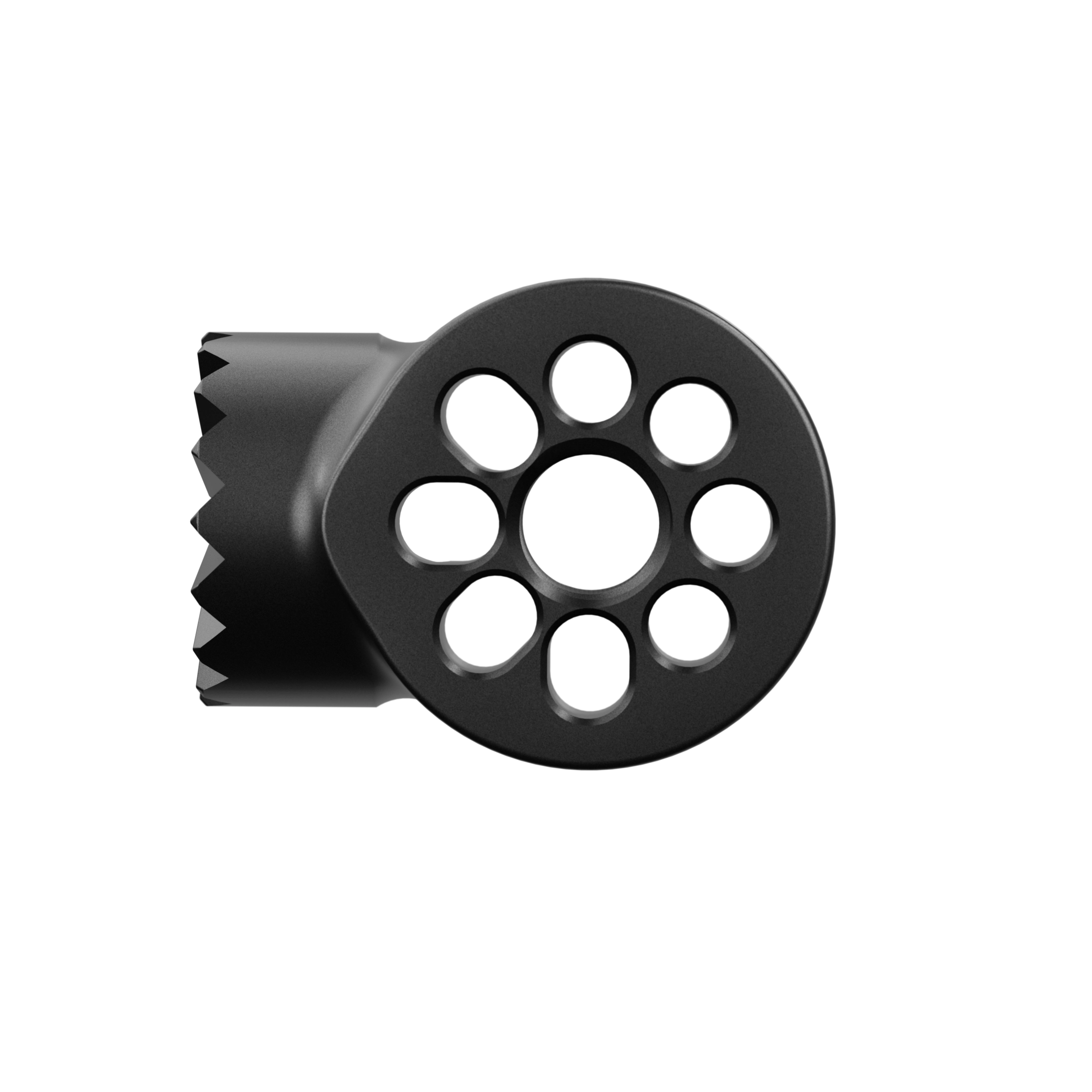
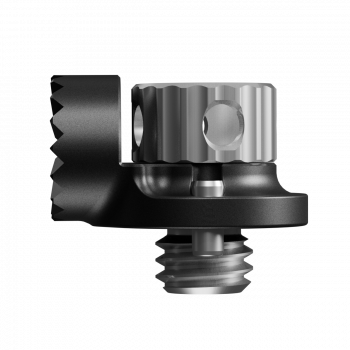
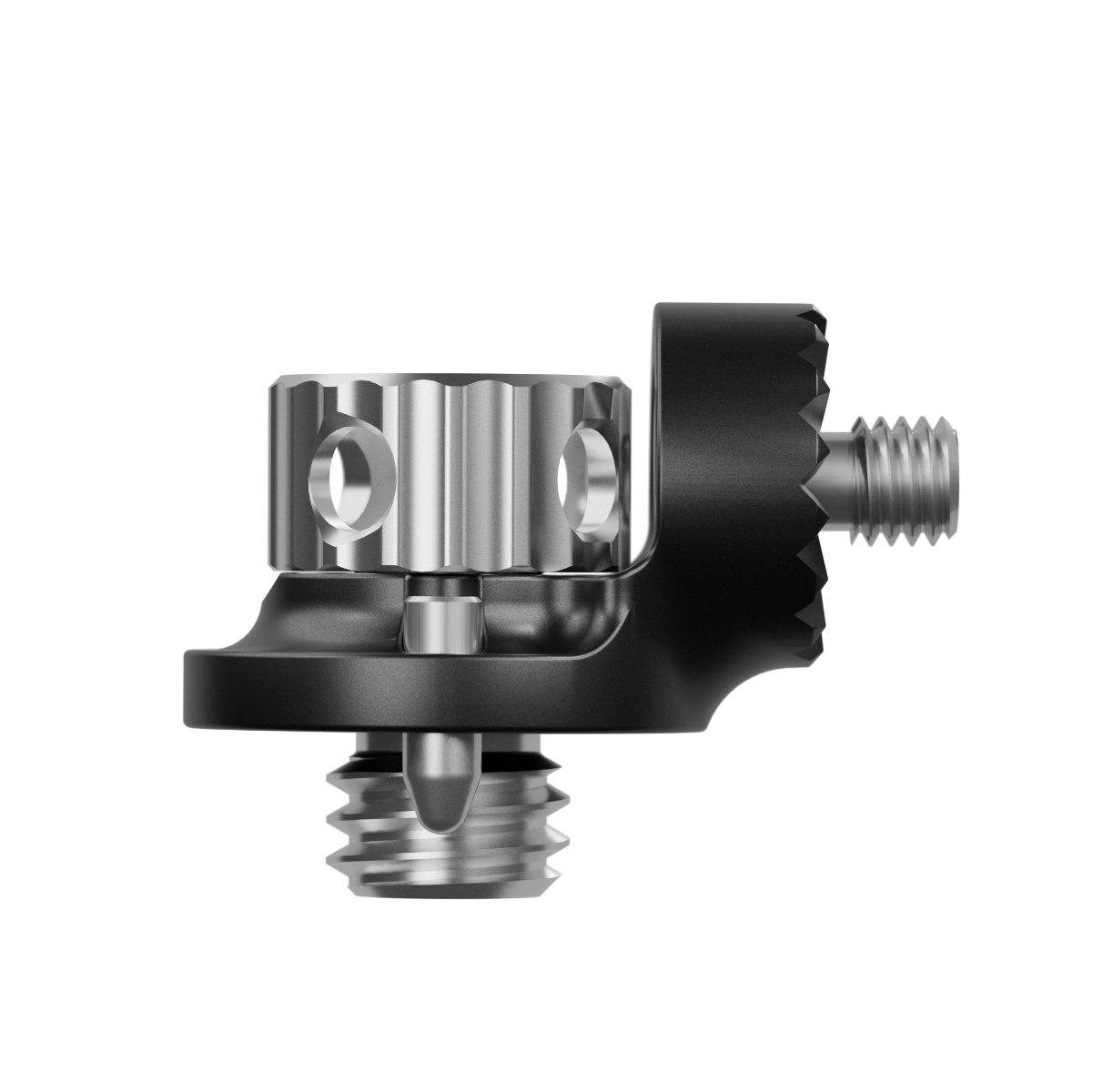
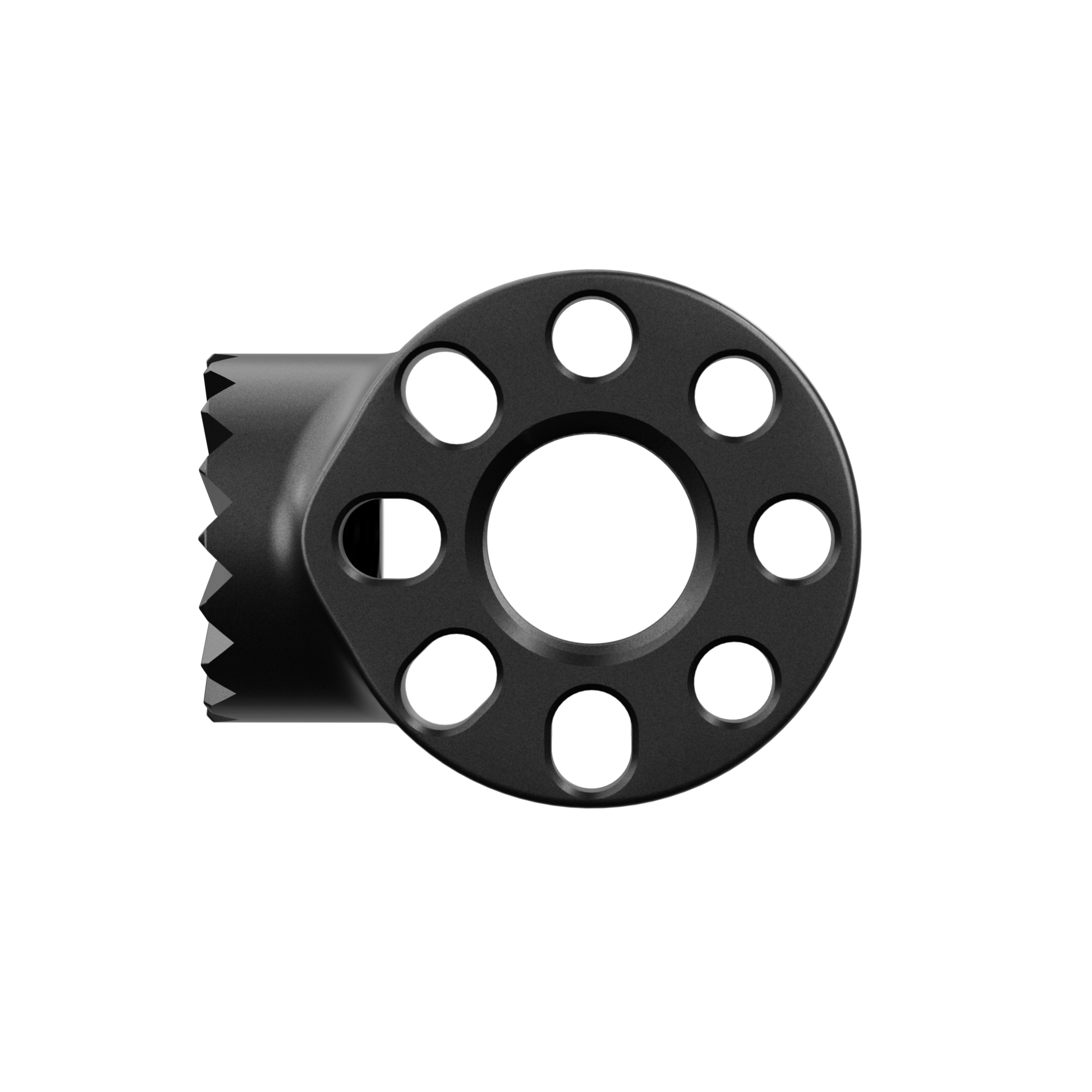
- Head - 1/4-20 No Pins
- Head - 1/4-20 Threaded
- Head - 3/8-16 Anti-Twist
- Head - 3/8-16 Male M5
- Head - 3/8-16 Threaded
Links
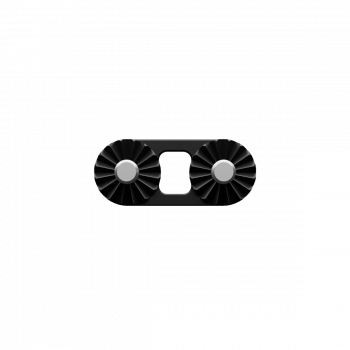
- Inverted Link - 15 mm
- Inverted Link - 20 mm
- Inverted Link - 30 mm
- Inverted Link - 40 mm
- Inverted Link - 50 mm
- Inverted Link - 60 mm
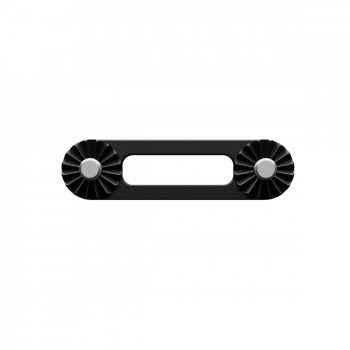
- Link - 15 mm
- Link - 20 mm
- Link - 30 mm
- Link - 40 mm
- Link - 50 mm
- Link - 60 mm
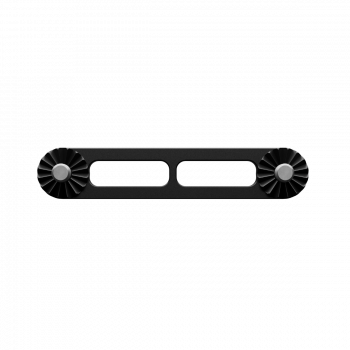
Extensions
- Extension - 20 mm
- Extension - 30 mm
- Extension - 40 mm
- Extension - 50 mm
- Extension - 60 mm
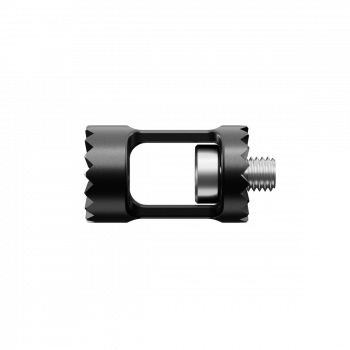
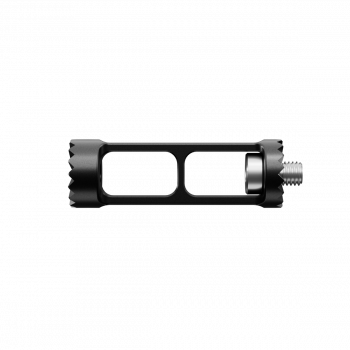
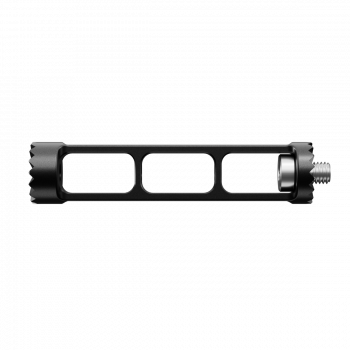
Plates
- Cheese Plate - 56 x 82 mm
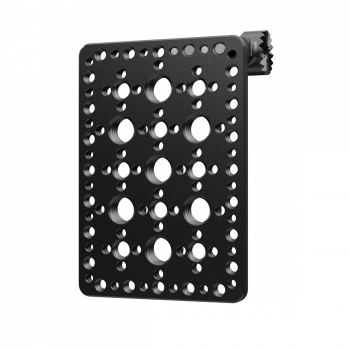
Miscellaneous
- AirTag (2nd generation, upright)
- Rod - 15 mm
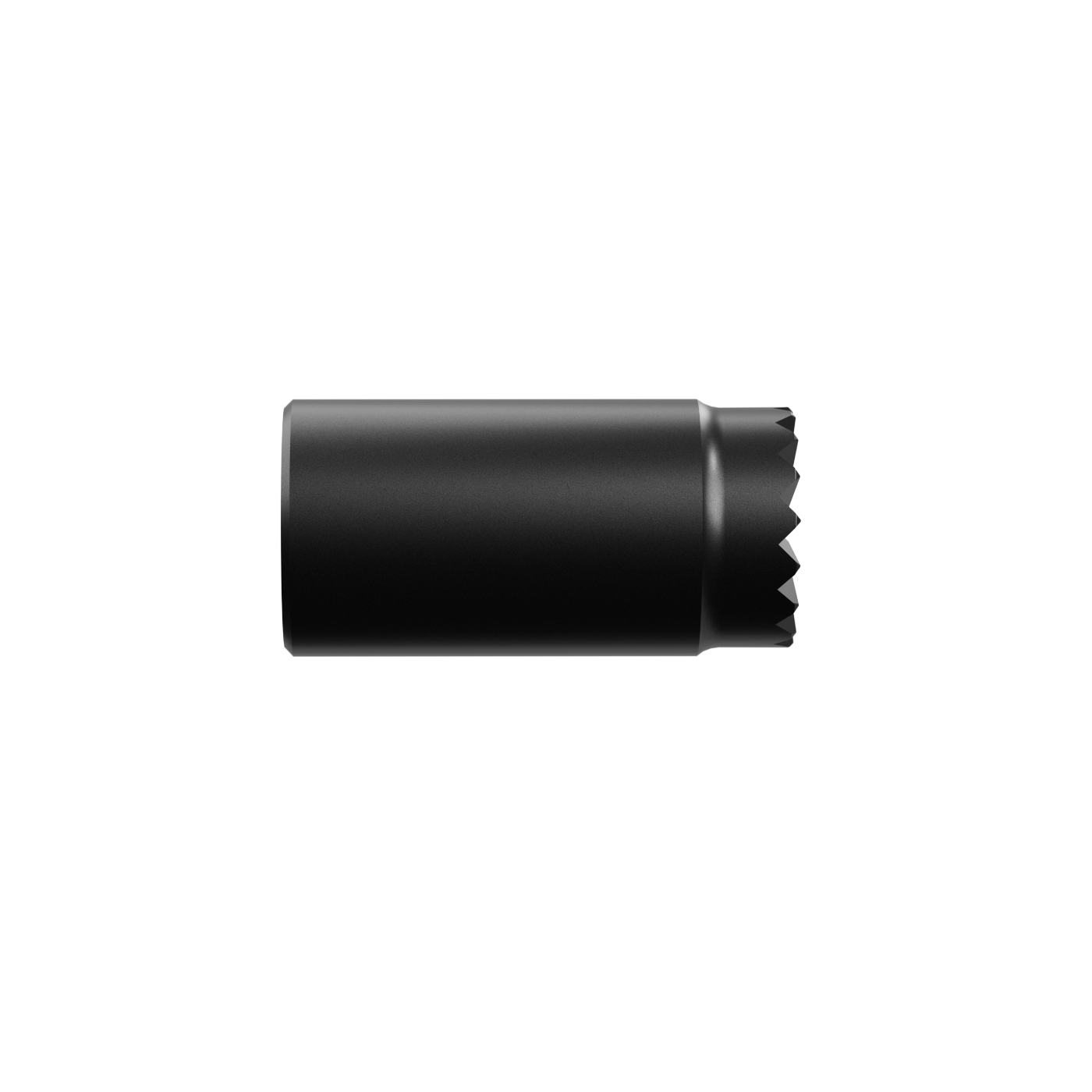
No compatible parts match your search.
Case builder
Choose a starting design
Start with an empty case or choose a prepared pocket layout. You can add more pockets anywhere they fit.
Begin with a blank insert and add every pocket yourself.
Start with three 10990-00 pockets, then add more parts or open-space pockets in any remaining area.
No starting designs are available for this case.
No starting designs match your search.
How the case builder works
Build your custom case in five simple steps.
Choose a starting design
Begin with an empty case or a prepared pocket layout. The starting design automatically chooses the matching case.
Arrange the layout
From the Parts column, drag a part onto any unused case area. Use the padlock beside a pocket to unlock it before moving or rotating it. Right-click a pocket for its lock menu. Template pockets marked as fixed stay in their authored positions.
Choose parts you want to include in your case order
In the "Pockets and parts" section, check only the parts you also want included in your order. Every pocket shown on your case design (e.g. for parts you already own) will still be made.
Preview in 3D (optional)
Select Generate 3D Preview when you want an interactive view. You do not need a preview before adding the case to your cart.
Add to cart
Add your custom case and selected parts to the cart. The final fit check runs before anything is added.
Interactive preview
Your case in 3D
Loading 3D preview...
Drag to rotateScroll or pinch to zoomRight-drag or use two fingers to pan